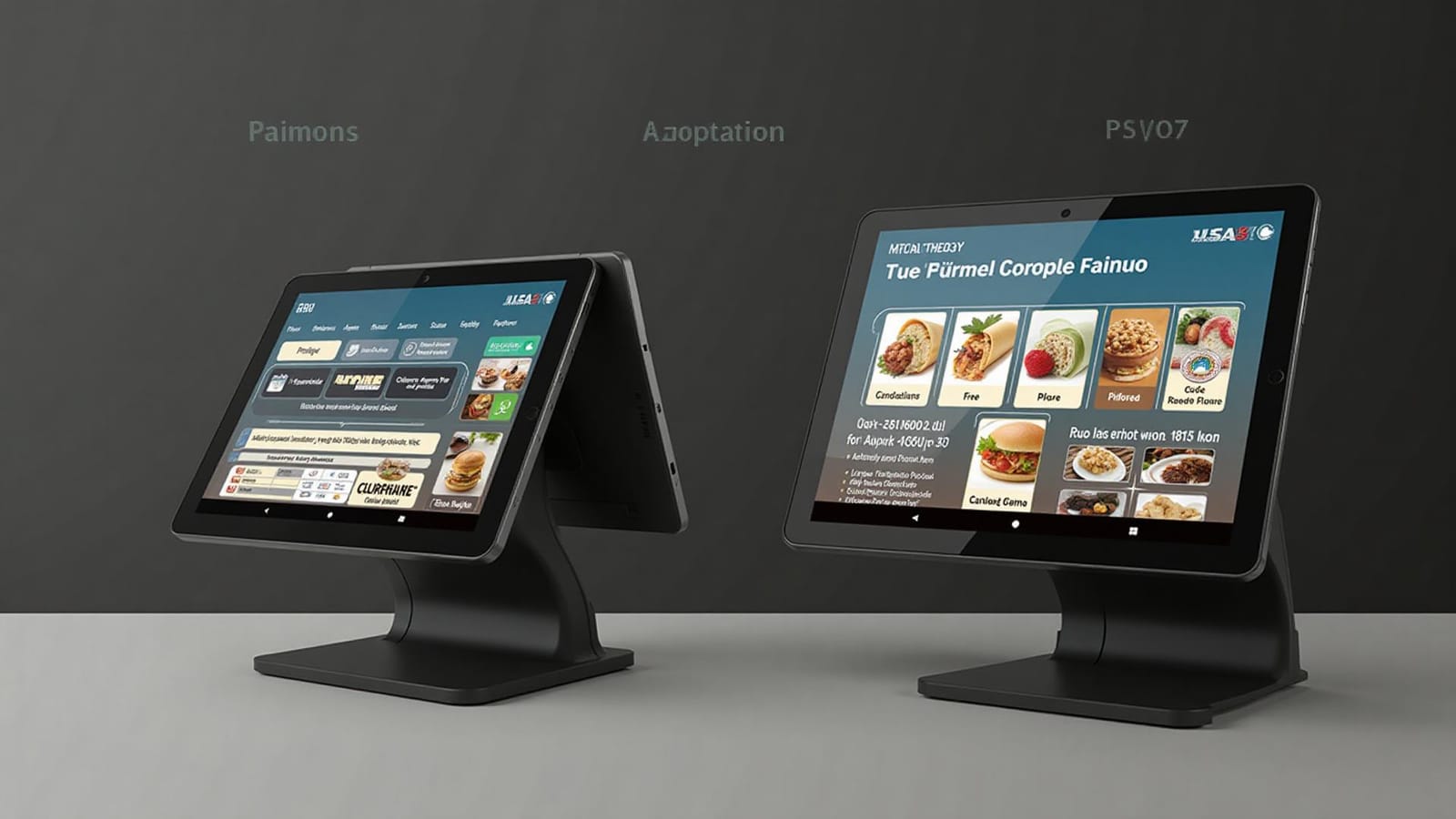
Best POS Systems for Food Trucks in 2026
The best food truck POS is not the one with the longest feature list. It is the one that keeps orders moving in a weak signal area, fits your menu, gives you usable sales data, and still makes financial sense after hardware, software, processing, and contract costs are combined.
The short answer
Square
Best fit: A simple public-price baseline for a new or lean operation
Toast
Best fit: A restaurant-focused setup when the full quote and contract make sense
Clover
Best fit: Operators who want several countertop and handheld hardware choices
Lightspeed Restaurant
Best fit: More complex restaurant workflows and operators planning multiple locations
Treat this as a shortlist, not a universal ranking. A one-person truck with six menu items has a different buying problem than a catering company with two trucks, online ordering, and a commissary kitchen.
What a food truck should test first
Connection failure
Know what still works when Wi-Fi or cellular service drops, which payments are queued, and who carries decline risk.
Power and hardware
Confirm battery life, charging method, heat tolerance, counter footprint, printer setup, and replacement lead time.
Rush-hour ordering
Build your real menu with modifiers, taxes, tips, discounts, sold-out items, refunds, and split tenders.
Mobile workflow
Test screen visibility, gloved use, handheld range, hotspot failover, and moving between service locations.
Data ownership
Export item sales, taxes, tips, payouts, fees, labor, and customer data before signing a contract.
Exit terms
Read the term, renewal, cancellation, hardware return, financing, processing, and data-access clauses.
Food truck POS comparison
Pricing snapshots below were checked on July 30, 2026. They are starting points, not quotes.
A simple public-price baseline for a new or lean operation
Published pricing snapshot
Square currently lists Free at $0, Plus at $49, and Premium at $149 per location per month. Published card-present rates vary by plan.
Payments and buying model
Integrated Square processing. The published restaurant pricing page shows the software and processing tiers together.
Offline reality
Supported Square apps and devices can store eligible offline payments. Upload deadlines and supported features vary by hardware. The merchant carries the risk of expired, declined, or disputed offline payments.
Reasons to shortlist
- A no-subscription starting tier
- Public software and processing prices
- Phone-based Tap to Pay can reduce starting hardware
- Upgrade path to restaurant and kitchen features
Confirm before signing
- Which plan includes the order and staff features you need
- Offline session and upload limits for your exact device
- Per-device KDS, kiosk, marketing, and gift card charges
A restaurant-focused setup when the full quote and contract make sense
Published pricing snapshot
Toast publishes several purchasing paths. Its online Starter Kit has advertised $0 upfront and $0 monthly pay-as-you-go configurations for qualifying new, single-location customers, with transaction and agreement terms attached.
Payments and buying model
Toast requires Toast Payments. Hardware, software, implementation, and processing should be reviewed as one proposal.
Offline reality
Toast says supported setups can continue taking orders and queue card transactions while offline. Its payment terms place the risk of offline transactions on the merchant.
Reasons to shortlist
- Restaurant-specific ordering and reporting
- Purpose-built countertop and handheld hardware
- Kitchen, online ordering, loyalty, and labor add-ons
- Optional cellular configurations for mobile concepts
Confirm before signing
- Traditional versus pay-as-you-go total cost
- Agreement length, renewal, cancellation, and hardware ownership
- Processing rate by card type and entry method
Operators who want several countertop and handheld hardware choices
Published pricing snapshot
Clover's restaurant pages currently direct buyers to contact sales for the restaurant bundles shown. Hardware, software, processing, and contract terms need to be confirmed in the written offer.
Payments and buying model
Clover can be sold through different channels. Compare the exact processor, equipment terms, software plan, and support arrangement in your quote.
Offline reality
Offline support is device and integration specific. Clover documents offline payments for some Mini and Flex configurations, while Clover Go documentation says its SDK requires an active connection.
Reasons to shortlist
- Multiple countertop and handheld device formats
- Restaurant order, table, and payment workflows
- App marketplace for extending the setup
- Hardware choices that can fit different service layouts
Confirm before signing
- Who provides processing and support
- Whether hardware is purchased, financed, or leased
- Offline behavior for the exact Clover device and app
Lightspeed Restaurant
More complex restaurant workflows and operators planning multiple locations
Published pricing snapshot
Lightspeed currently lists Starter at $69, Essential at $189, and Premium at $399 per month on its US restaurant pricing page. Optional services and hardware can add cost.
Payments and buying model
Integrated payments are the default on the published Starter plan. Payment terms on higher plans are shown as custom.
Offline reality
Lightspeed advertises offline mode. Its support documentation also describes standalone terminal payments as an outage fallback, but those sales require a separate reconciliation workflow.
Reasons to shortlist
- Detailed restaurant menu and service workflows
- Multi-location and advanced inventory options
- Published subscription tiers
- KDS and broader restaurant operations ecosystem
Confirm before signing
- Which features are included versus paid add-ons
- Payment rate, hardware, onboarding, and support terms
- Exact outage workflow and reconciliation process
POS cost calculator
POS cost estimator
Enter one written offer at a time. Use the same sales and transaction assumptions for every provider, then compare the period cost and effective rate.
Estimated annualized cost: $6,171.50
Average card ticket: $15.00
Percentage portion: $312.00
Fixed-fee portion: $120.00
This estimate does not include taxes, chargebacks, refunds, keyed-in or online rates, premium card differences, financing, cellular service, installation, replacement hardware, optional apps, or early termination charges. Add every required item from the written offer before making a decision.
Get a complete quote, not a headline price
Ask every provider to price the same setup for the same term. If one quote leaves out a kitchen screen, printer, online ordering, cellular connection, or second device, the totals are not comparable.
Run a real offline test before launch
- 1Load your full menu, tax rules, modifiers, printers, and kitchen routing.
- 2Disconnect the exact network your truck will use. Do not test a different demo device.
- 3Create, edit, void, refund, and split representative orders. Try cash and every card workflow you expect to use.
- 4Reconnect, then confirm orders, tips, taxes, payments, deposits, and reports synchronized correctly.
- 5Ask what happens to a declined offline payment and set a transaction limit your business can absorb.
- 6Write a one-page outage procedure and train every person who can take payment.
Offline does not mean authorized
When a system stores a card transaction offline, it may not know whether the card will be approved. The sale can fail after the food has been served. Device support, upload windows, limits, and merchant liability differ, so this is an operating risk to manage, not just a feature box to check.
A practical decision path
Start with your workflow
List devices, order channels, printers, kitchen screens, staff roles, reports, integrations, and locations. Do not shop from a generic feature checklist.
Shortlist two or three systems
Use Square as a transparent cost baseline, then compare restaurant-focused or more complex options only when their extra workflow value is relevant.
Build the real menu
A demo with three sample items proves very little. Load your modifiers, combos, taxes, tips, discounts, and sold-out workflow.
Compare written offers
Put each offer through the calculator above with the same volume, transaction count, hardware, and term.
Test failure and exit
Simulate an outage, export your data, contact support, and understand how you leave before you sign.
Food truck POS questions
What is the best POS system for a new food truck?
The best starting point is the system that passes your connection, power, payment, menu, and contract tests at the lowest complete cost. Square is often the easiest public-price baseline. Toast is worth quoting when you want a restaurant-specific hardware and software stack. Clover can suit operators who want several device choices, but contract terms can vary. Lightspeed is more relevant when deeper restaurant workflows or multi-location reporting justify a higher subscription.
Can a food truck POS take card payments without internet?
Some systems can queue eligible card payments while offline, but support varies by device, app, payment type, settings, and time limit. Offline transactions are not authorized until the connection returns, so the operator can be responsible for later declines. Test the exact hardware and configuration you plan to buy.
How should I compare POS processing fees?
Use your expected monthly card sales and transaction count. Calculate percentage fees, per-transaction fees, software, hardware, required add-ons, connectivity, installation, and contract costs over the same period. A lower percentage can still cost more if fixed fees or subscriptions are higher.
Do I need a restaurant POS or a basic card reader?
A basic reader may be enough for a short menu, one checkout device, and simple reporting. A restaurant POS becomes more useful when you need modifiers, order routing, a kitchen display, employee permissions, online ordering, multiple revenue channels, or detailed menu reporting.
Connect the POS to your numbers
Processing cost is only one part of profitability. Cost the menu first, test projected profit, and use a consistent monthly close so the sales report becomes a management tool instead of a pile of transactions.